
As a marketer, I’ve spent a lot of time designing and editing emails for different brands. I’ve tested layouts, played with headlines, and contemplated whether an email should include an emoji in the headline. While those elements are extremely important, there are email features that grab attention in the inbox using email annotations and BIMI icons.
So, what exactly are those?
Gmail introduced new ways to add visual interest to emails. These include preview cards, discount annotations, and BIMI (Brand Indicators for Message Identification) icons that display your logo next to your message. They make your brand stand out before someone even opens the email.
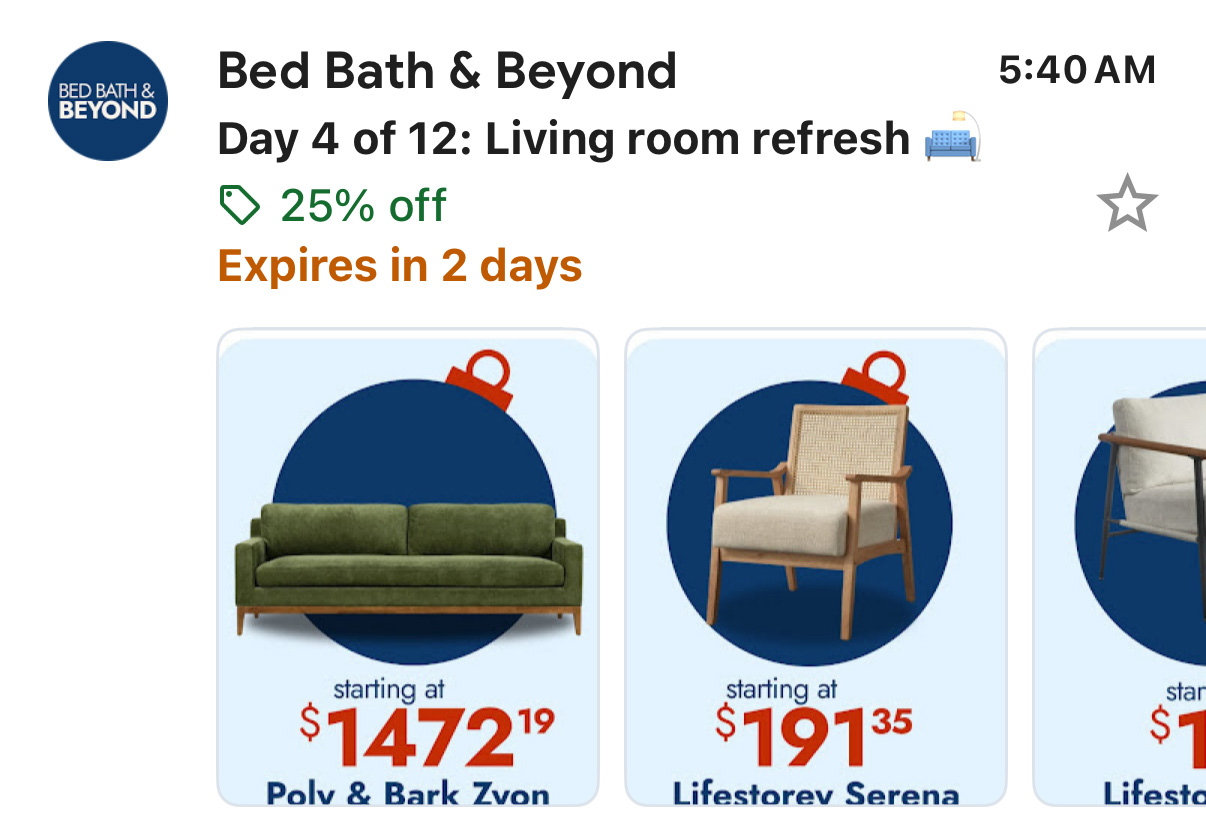
Since Gmail is the leading email platform and other providers have followed suit, these features are worth paying attention to. Consider this, Gmail app has been downloaded more than 10 billion times on Google Play. Even though Apple does not share download numbers, it has more than 2 million reviews in the App Store which Google has 14 million views if that is any indication of its popularity. That means a huge number of people view their inbox through the Gmail app. Standing out visually is no longer optional. It is something brands have to consider.
Gmail and other email apps are becoming more visual. They now show images, brand logos, and short previews that make emails stand out.
These features include:
- Your logo and brand name
- A product photo or featured image
- Deals, discounts, or special offers
- Expiration dates
- Buttons that link to your website or sale straight from the promotions tab
When done well, these visuals help people notice your brand right away. They also make your email look more professional and trustworthy.
Inside Gmail’s Promotions tab, some emails show up as preview cards with images and special offers. These cards are a preview of the email and can act as advertisments inside the inbox. To make this happen, you add a few lines of code and use the right image sizes.
Best image sizes to use:
- 4:5 (1080×1350)
- 1:1 (1080×1080)
- 1.91:1 (1200×628)
These are the same sizes used on Instagram and Facebook, so you can reuse images you already have. Implementing should be easy simply because you can use an image you might post on Instagram or Facebook and implement it in your own marketing. I was looking for ways to improve marketing with less effort since I was the only person in the marketing department. Not that the president wouldn’t also do some of the work as there was literally more work to be done than there was time for one person.
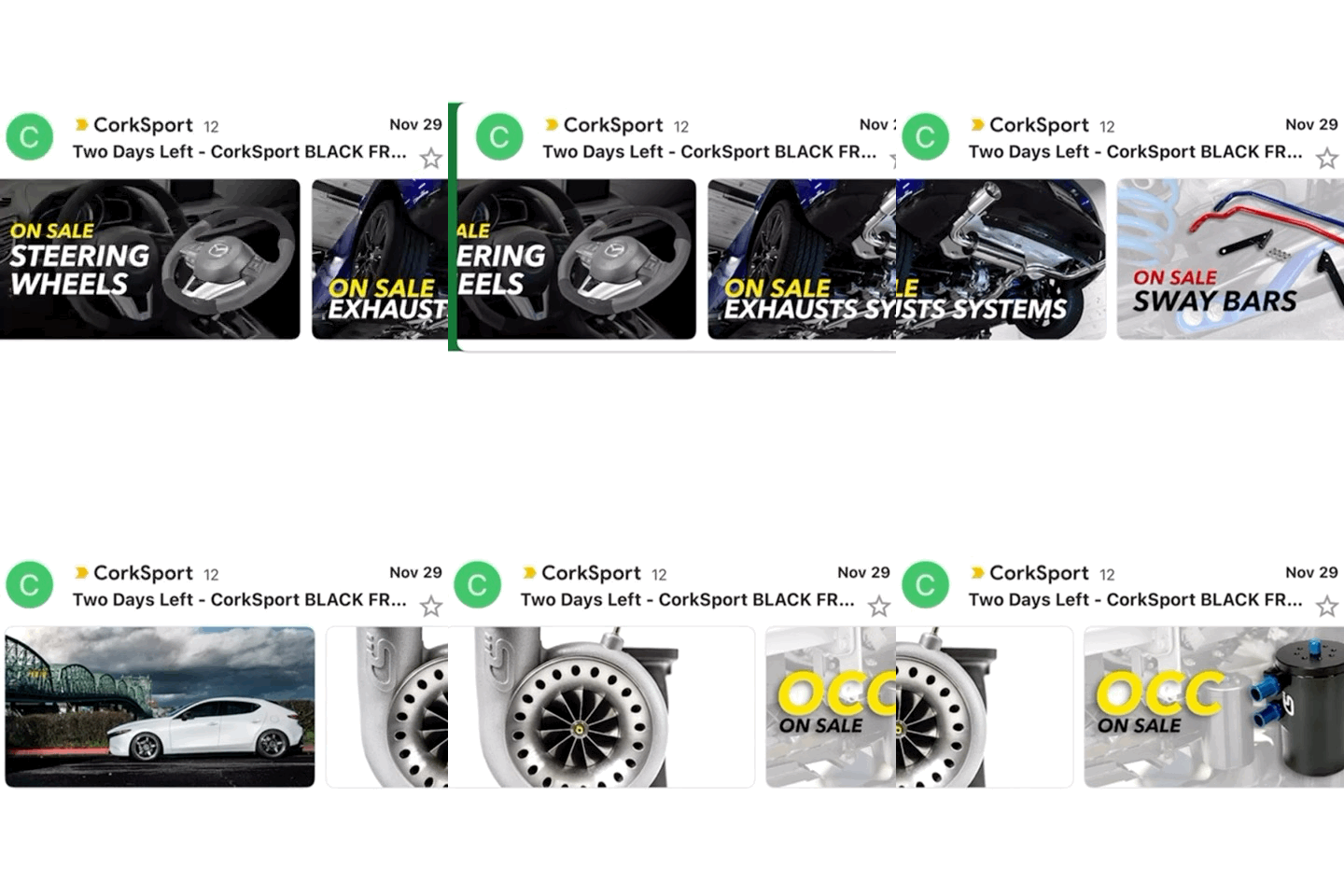
The question I ask is how do I improve on this and take advantage of some of these features.
1) Use call to actions. Although these image previews have a short shelf life, the image itself can be used to link directly to the promotion offered. Although I haven’t seen a lot of good uses of this, I post this image here to show the concept of it in the wild.
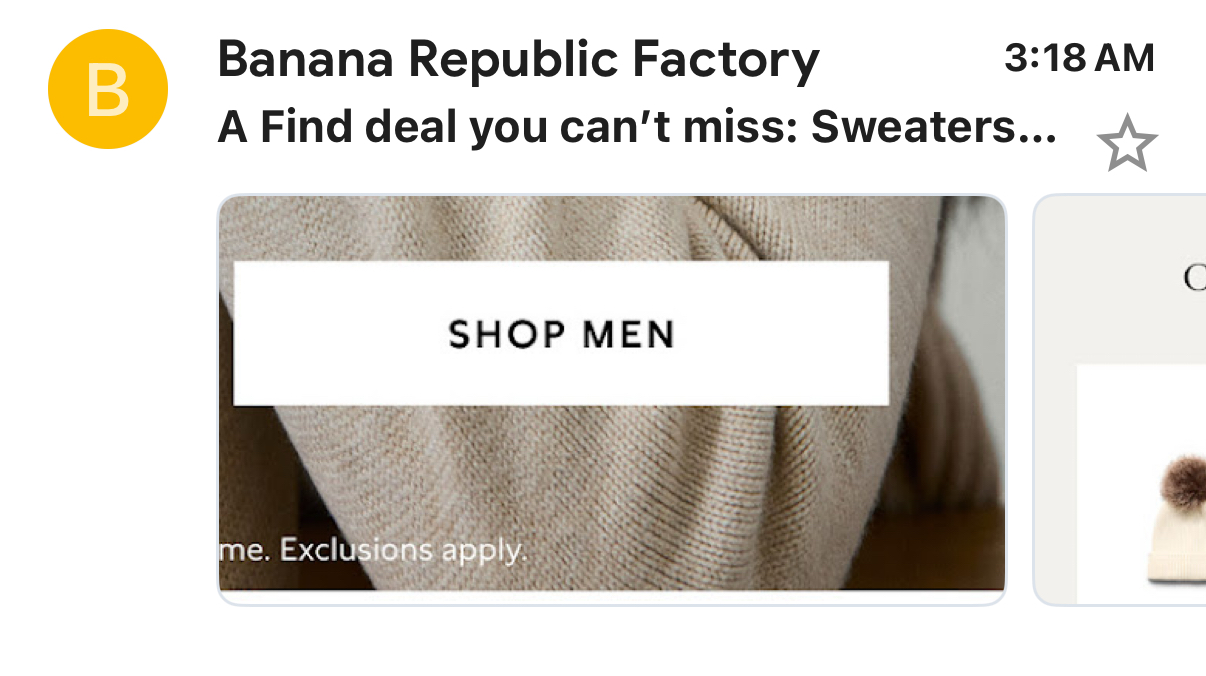
How does this happen?
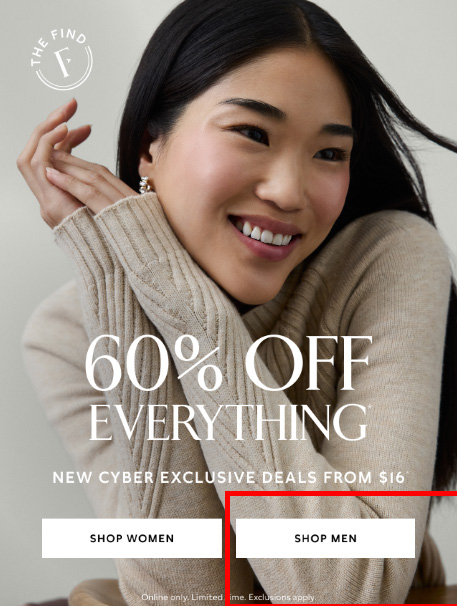
Let’s look at the image in context.
It is a big beautiful first image. But the SHOP MEN section of the image is what Gmail grabs. That is the section of the image that fits Gmail’s preview and delivered in the carousel. If Banana Republic wanted the hero image first that designing the image in a 4:5 dimensions could have offered the hero image.
Ideally, they would also list the order and images to use and not leave it to Gmail to decide if they show images.
2) Use images that cause actions that are natural. When I was thinking about this post and looking for uses in the wild the following image showed up. I wanted to click the image which took me to the landing page.
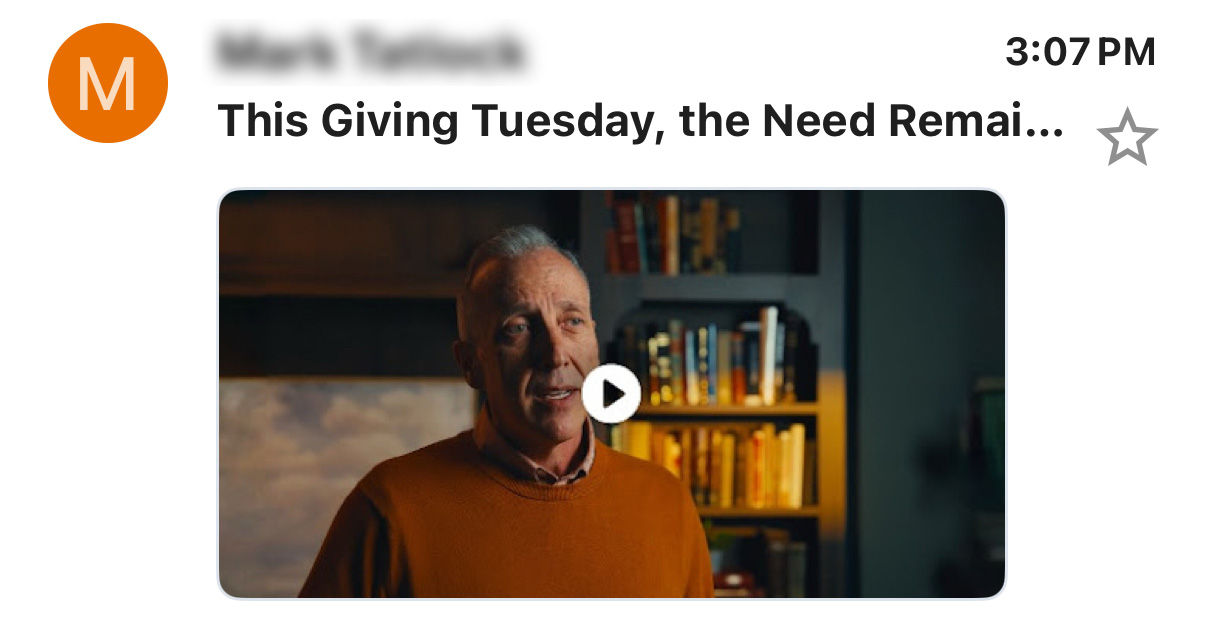
3) Show discounts, codes, and promotions. People are looking for a deal. The image can be the action you want.
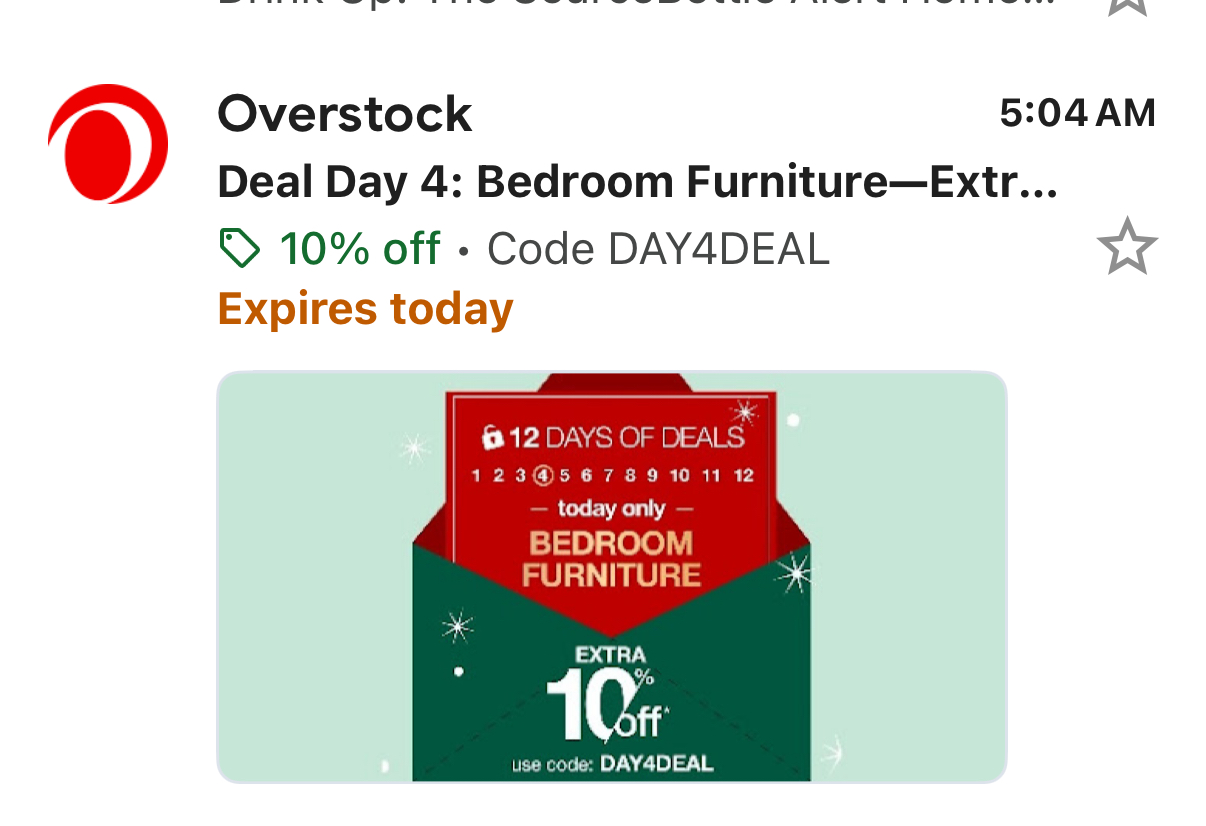
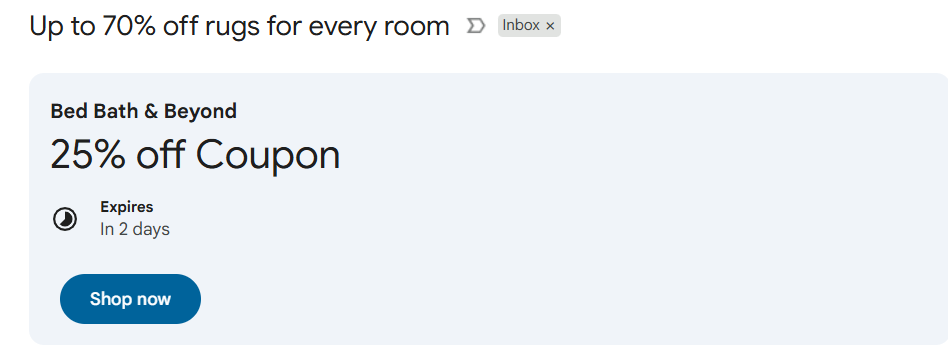
Utilize promotional annotations
Annotations are like little cards and information you provide Gmail with to highlight promotional details. This all works within the Promotional tab of Gmail.
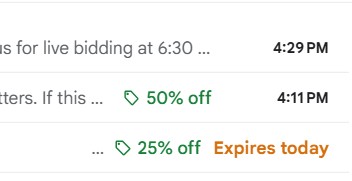
Below is an example of the inbox. As you can see, the discount on Blue Nile stands out. Now the offer on the green catches the eye and offers users something a little extra in the email box.
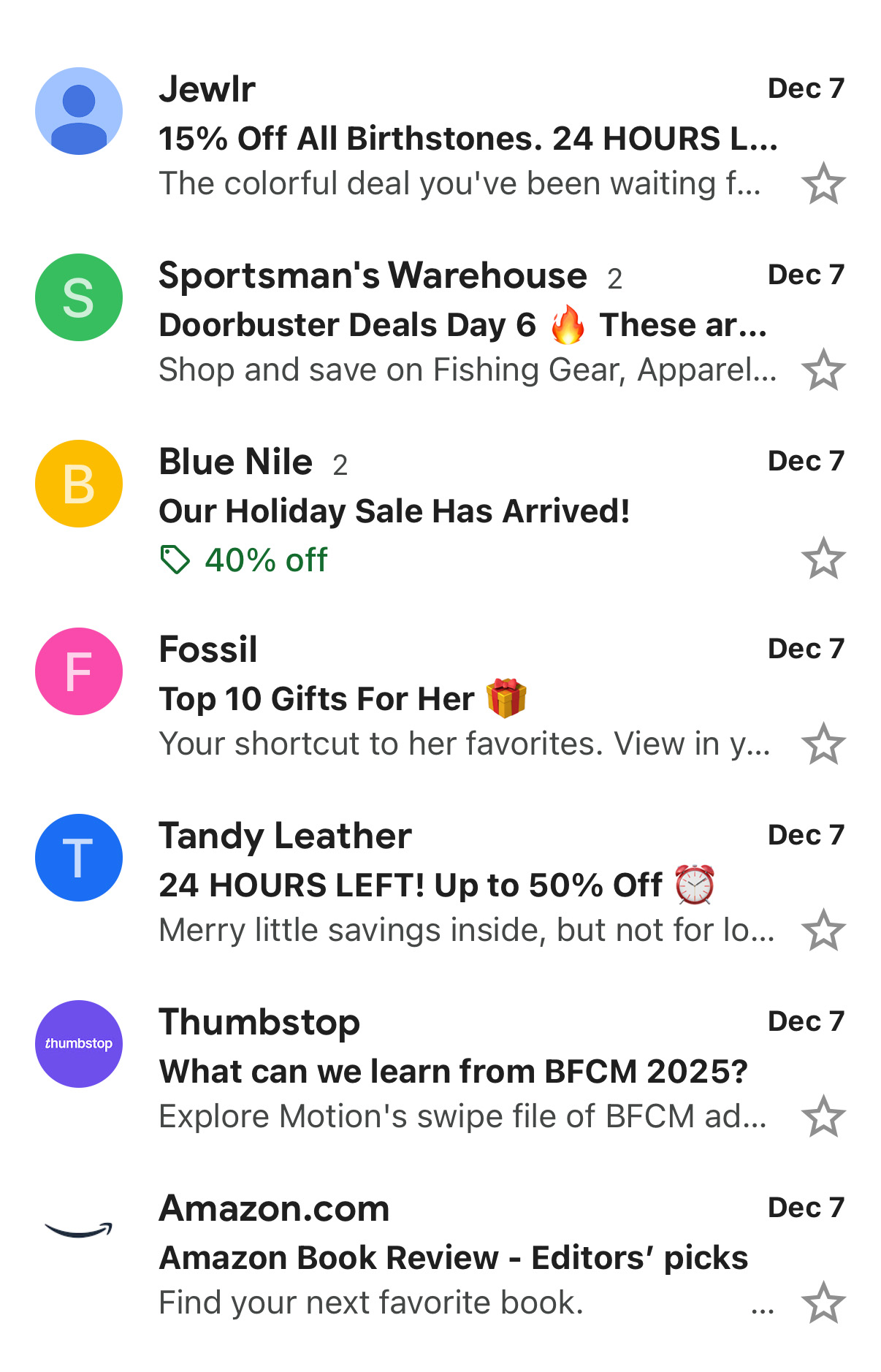
Deal cards are another great way to improve your email promotions. These visual summaries highlight your key offer details, such as discounts, descriptions, start and end dates, and links. They can appear both in the Promotions tab and inside the email itself, giving your offers maximum visibility and a stronger visual presence in the inbox. I haven’t seen a lot of this either which could be a bonus to improve click through.
BIMI: Showing Your Brand Logo in the Inbox
While Gmail preview cards help your email look more interesting, BIMI builds trust and recognition.
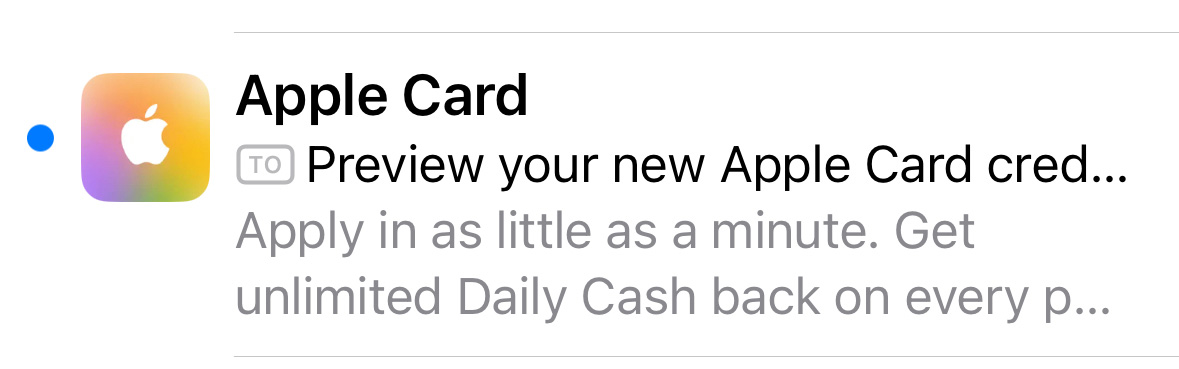
BIMI stands for Brand Indicators for Message Identification. It lets your verified brand logo appear next to your emails in inboxes like Gmail, Yahoo, and Apple Mail. When people see your logo, they know the message is really from your company and not a fake sender.
How BIMI works:
BIMI uses your existing email security tools (SPF, DKIM, and DMARC). Once your domain is verified and you upload your logo with a Verified Mark Certificate (VMC), your logo starts showing next to your emails.
Why BIMI matters:
- A brand mark is recognizable.
- It builds trust with your audience.
- It helps you stand out in inboxes.
- It works together with Gmail’s visual features for a stronger visual presence.
Setting up BIMI does cost a little money, but the benefit is long-term trust and brand consistency. That is something most serious brands find worth it.
Final Thoughts
Utilizing the preview features Gmail and other email clients offer provides a visual presence that can help you improve open rates. This doesn’t replace the importance of strong headlines but can positively impact your email open rate and click through rate. Brands utilizing these features can have an advantage against brands that haven’t yet caught on to these features.
Are you using these email features? What is an experience of an email utilizing these features that you thought were good or bad?